In short
Ecommerce totals in the GA4 BigQuery export sit in the nested ecommerce record of each event. This post gives ready-to-use SQL for total item quantity, transactions, shipping, purchase revenue, refunds and tax. Filter purchase metrics on purchase events and refunds on refund events, and use _TABLE_SUFFIX to limit the date range.
Contents7 sections
The GA4 BigQuery export is the raw, event-level data from your Google Analytics 4 property. With it you can query user interactions directly, run your own analysis or build a dashboard. To get the data into BigQuery, first link your GA4 property to BigQuery.
The export holds a large number of dimensions and metrics, so the data is nested. Ecommerce totals sit in the ecommerce record of each event. Google's GA4 BigQuery export schema lists every field.
Below are ready-to-use queries for the key ecommerce metrics: total item quantity, total transactions, shipping value, purchase revenue, refund value and tax value. Replace projectid.dataset with your own project and dataset.
How do you query total item quantity?
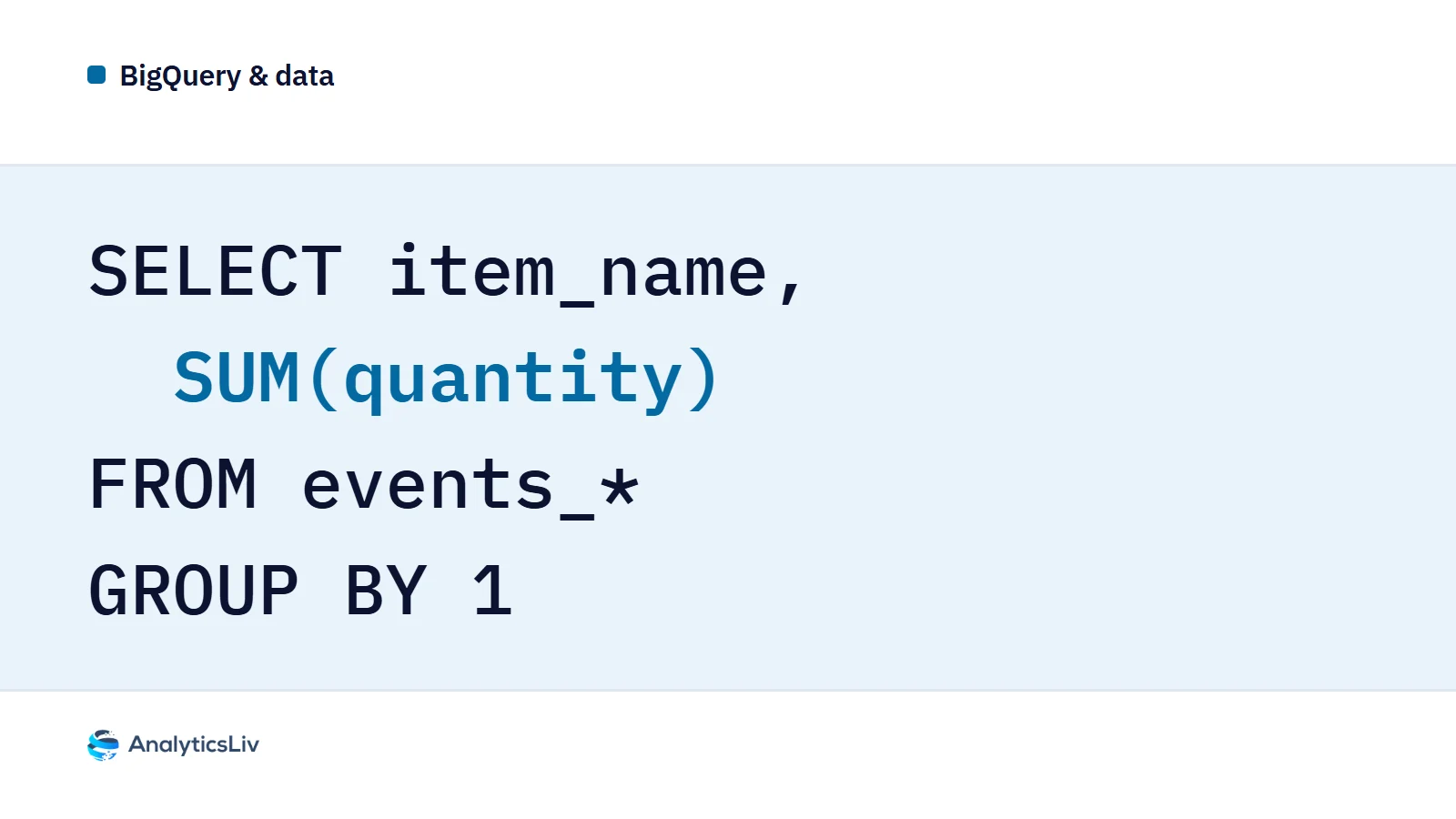
ecommerce.total_item_quantity is the number of items in the event, summed from items.quantity. For items purchased, filter to purchase events:
SELECT
  SUM(ecommerce.total_item_quantity) AS total_item_quantity
FROM `projectid.dataset.events_*`
WHERE event_name = 'purchase'
How do you query total transactions?
Count distinct transaction IDs on purchase events only. Without the filter, other ecommerce events that carry a transaction ID would also be counted.
SELECT
  COUNT(DISTINCT ecommerce.transaction_id) AS total_transactions
FROM `projectid.dataset.events_*`
WHERE event_name = 'purchase'
How do you query shipping value?
ecommerce.shipping_value is the shipping cost of a transaction in local currency (shipping_value_in_usd holds the USD amount).
SELECT
  SUM(ecommerce.shipping_value) AS shipping_value
FROM `projectid.dataset.events_*`
WHERE event_name = 'purchase'
How do you query purchase revenue?
ecommerce.purchase_revenue is the revenue from a transaction in local currency. It is filled only for purchase events; purchase_revenue_in_usd holds the USD amount.
SELECT
  SUM(ecommerce.purchase_revenue) AS purchase_revenue
FROM `projectid.dataset.events_*`
WHERE event_name = 'purchase'
How do you query refund value?
ecommerce.refund_value is the amount refunded, in local currency. It is filled only for refund events, so filter on refund, not purchase.
SELECT
  SUM(ecommerce.refund_value) AS refund_value
FROM `projectid.dataset.events_*`
WHERE event_name = 'refund'
How do you query tax value?
ecommerce.tax_value is the tax applied to a transaction, in local currency (tax_value_in_usd holds the USD amount).
SELECT
  SUM(ecommerce.tax_value) AS tax_value
FROM `projectid.dataset.events_*`
WHERE event_name = 'purchase'
How do you limit a query to a date range?
The queries above scan every daily export table. To query a date range, filter on the table suffix, which is the date in YYYYMMDD format:
SELECT
  SUM(ecommerce.purchase_revenue) AS purchase_revenue
FROM `projectid.dataset.events_*`
WHERE event_name = 'purchase'
  AND _TABLE_SUFFIX BETWEEN '20240101' AND '20240131'
The ecommerce record holds more fields, such as unique_items, that you can query the same way. If your totals differ from the GA4 interface, see why GA4 and BigQuery data don't match.