In short
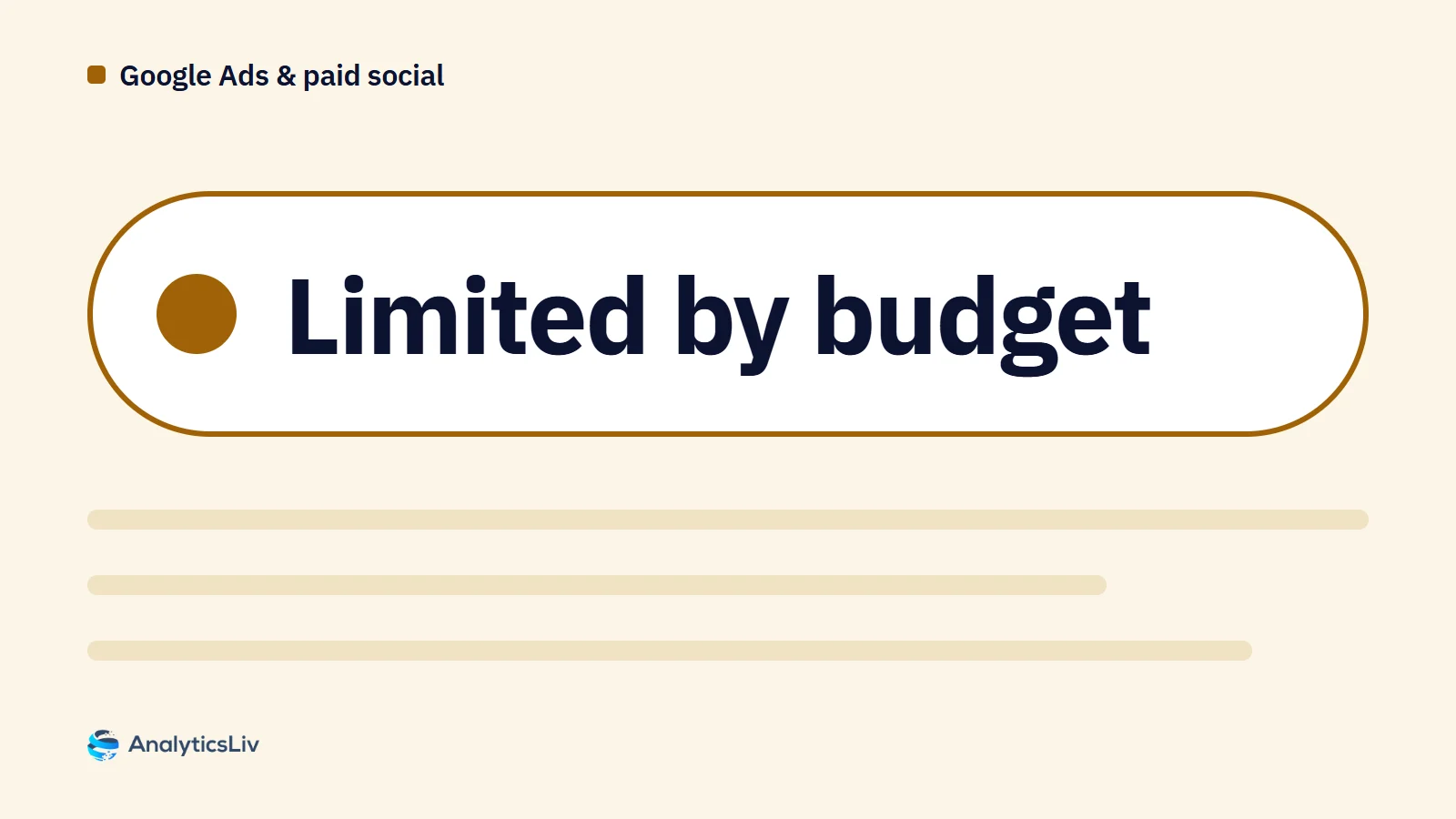
"Limited by budget" means your campaign could show ads more often if its daily budget were higher. This guide explains the main Google Ads campaign and ad statuses, from Eligible and Paused to Disapproved and Approved (limited), what each one means and what to do when a status limits delivery or spend.
Contents8 sections
Google Ads shows a status for every campaign and ad. Each one tells you whether ads can serve, and if not, why. One of the most common is "Limited by budget", which signals that your budget is holding back reach. This guide explains the main statuses and how to act on them, with a focus on campaigns limited by budget.
What does an Eligible status mean?
An Eligible campaign or ad is live, meets Google's policies and can reach your audience whenever your targeting and budget allow. This is the status you want: eligible campaigns collect performance data and spend toward your goals.
What do the Google Ads campaign statuses mean?
Campaign statuses show at a glance whether a campaign can serve. Google lists these (About campaign statuses):
| Campaign status | Meaning | What to do |
|---|---|---|
| Eligible | Active and able to show ads | Nothing; this is the ideal status |
| Eligible (limited) / Limited by budget | Active, but showing ads less often because of budget or a limited bid strategy | See the budget fixes below |
| Not eligible | No ad groups, or all ad groups, ads or keywords are paused or removed | Add or re-enable ad groups, ads or keywords |
| Paused | Stopped by you; no impressions or costs | Resume when you are ready |
| Removed | Permanently deleted; stays in account history | It cannot be resumed; create a new campaign |
| Pending | Scheduled to start on a future date | Check the start date |
| Ended | Past its scheduled end date | Extend the end date if needed |
"Learning" is a bid strategy status, not a campaign status. It appears after major changes, such as a new campaign or bid strategy, and can last up to seven days. Give it time before judging results.
What do the ad statuses mean?
Ads and assets go through policy review and get their own status (Check the review status of an ad or asset):
| Ad status | Meaning | What to do |
|---|---|---|
| Eligible (ads) / Approved (assets) | Meets policy and can show to all audiences | Nothing |
| Under review | Google is checking the ad; it can't serve yet | Wait; most reviews finish within one business day |
| Eligible (limited) / Approved (limited) | Can serve, but not everywhere, because of policy restrictions | Adjust the content or location targeting |
| Disapproved | Breaks a policy and won't show | Fix the ad and resubmit, or appeal |
What does "Limited by budget" mean?
"Limited by budget" means your campaign's daily budget is restricting how often its ads show. Google is telling you the ads could reach more of your target audience with a higher budget. Until you act, you get fewer impressions and usually fewer conversions.
The status is also a prompt to check where the budget goes. Sometimes the right answer is more budget; sometimes it is spending the same budget better.
How do you fix a campaign limited by budget?
- Increase the daily budget. This is the most direct way to extend reach.
- Refine audience targeting. Narrow by age, location or interests so the budget goes to the segments most likely to convert.
- Adjust the ad schedule. Concentrate delivery on the hours when your audience is most active.
- Use cost-effective bidding. Balance cost per click with visibility.
- Pause what underperforms. Move budget away from weak ads, keywords and placements toward the ones that convert.
How do you fix other common status issues?
Disapproved ads
- Hover over the Status column to see the reason for disapproval.
- Edit the ad so it meets Google's policies.
- Resubmit it for review, or appeal if you believe the decision is wrong.
Approved (limited) ads
- Check regional restrictions: some content categories are restricted by country, so adjusting location targeting can help.
- Check content: ads for categories such as healthcare or alcohol may need changes to meet the restrictions.
Advanced tips for managing status and budget
- Set up conversion tracking. Knowing which ads convert lets you move budget to the highest-return ones. See our guide to Google Ads tags in Google Tag Manager.
- Use automated bidding. Google Ads bid strategies can maximise clicks or conversions within a set budget.
- Use responsive search ads. They test multiple headlines and descriptions and show the best combinations, which can widen reach without more budget.
- Use bid adjustments. Adjust bids by device, location or time to cut wasted spend.
Conclusion
Checking campaign and ad statuses regularly, especially "Limited by budget", shows you where delivery is held back and where budget is wasted. Acting on them early keeps your Google Ads campaigns visible, compliant and cost-effective.