Meta Pixel and conversion tracking, server-side.
We set up and run conversion tracking with server-side Google Tag Manager (sGTM) on your own subdomain. That covers the Meta Pixel and Conversions API (CAPI), Google Ads and consent mode. Fewer scripts on your pages, more conversions reaching GA4, Google Ads and Meta, and you decide what data leaves your site.
What is server-side tracking?
Fewer scripts on your pages, more conversions reaching GA4, Google Ads and Meta, and you decide what data leaves your site.
Server-side tracking moves your marketing tags from the visitor's browser to a server you control. Events go to your own subdomain, where server-side Google Tag Manager applies consent, removes personal data and forwards them to GA4, Google Ads and Meta. For brands that run paid ads, we set it up and run it.
Visitor's browser
one light tag sends events to your subdomain
Your server (sGTM)
consent applied, personal data removed & enriched
Endpoints
What do our server-side tracking services include?
We set up the container, move your tags into it and keep it running.
Server-side GTM setup and hosting
Server-side GTM on Cloud Run or App Engine, in your own Google Cloud project and on your subdomain. Sized to your traffic, so hosting costs stay predictable.
You can check: the container, the subdomain and the data sit in a Google Cloud project you own.
Server-side GTM · Cloud Run · App Engine
Meta Pixel and Conversions API
We set up the Pixel and the Conversions API to work together, so Meta counts each conversion once. We fix identifiers, match browser and server events and add user data on the server.
You can check: the match rate and Event Match Quality in Meta Events Manager.
Meta Pixel · Conversions API · Events Manager
GA4, Google Ads and Floodlight
GA4, Google Ads (with enhanced conversions) and Floodlight move to the server one tag at a time, with order values and IDs added before each event is forwarded.
You can check: conversions in GA4 and Google Ads, compared before and after the move.
GA4 · Google Ads enhanced conversions · Floodlight
Consent mode and personal data
Your banner still sets consent in the browser. That state travels with each event, and the server container respects it before forwarding anything. Personal data is removed on the server, before forwarding.
You can check: which fields each platform receives, set in one place.
Consent mode v2 · Server-side GTM
Monitoring and alerts
We watch uptime and event delivery, review hosting costs and keep written fixes for common problems.
You can check: uptime and delivery alerts, and the hosting bill in your own Google Cloud project.
Monitoring · Cloud Logging · Alerts
GA4 audit after the move
Once events flow through the server, we audit the GA4 property: events, conversions, consent settings and data streams. Then we rank what we find by business impact, so the most costly gaps get fixed first.
You can check: a ranked list of fixes for your GA4 property.
More on our GA4 and Tag Manager service.
GA4 · GTM · Audit
Why does browser-only conversion tracking lose data?
Ad blockers stop browser tags from loading, and Safari's tracking prevention (ITP) shortens their cookies. Consent banners sometimes load after tags have fired, and every extra script slows your landing page.
Server-side, the browser loads one light loader and sends one event stream to your subdomain. Your server container does the rest:
page_viewadd_to_cartpurchase- Consent applied
- Personal data removed
- Order value and IDs added
Server-side tracking usually sits next to our GA4 and analytics implementation. The raw events can also feed a BigQuery warehouse built by our data engineering team.
What has server-side tracking changed for our clients?
Inhubber's Meta match rate went from 43% to 87%. An e-commerce brand became GDPR-ready with Consent Mode v2 and kept modelled conversions in GA4 and Google Ads.

A Meta CAPI setup that matches
fbc and fbp on every server event, a shared event_id and hashed user data.
- 87%match rate, from 43%
- 8/10Event Match Quality
- +44ppmatch-rate gain

Consent Mode v2 without losing data
OneTrust and Consent Mode v2 set up in Google Tag Manager.
- 100%GDPR readiness
- -80%manual tagging
- Keptmodelled conversions
Figures as published in each case study. For the Washington Examiner, we rebuilt subscription tracking in Google Tag Manager and reached 99% tracking accuracy in GA4: read that case study.
How does the switch to server-side tracking work?
No single risky switch-over: each tag is checked before the next one moves.
Review
Every tag, what it sends and where.
Build
Server container on your subdomain, in your Google Cloud project.
Move
One tag at a time. Your web container stays as the loader.
Compare and monitor
Numbers before and after, then uptime and delivery alerts.
Where can AI agents help with conversion tracking?
Agents check your tracking every day, so a broken tag does not cost you a month of data. Each runs on your own accounts, and a person approves what it does.
- Event health alerts. An alert when server events or Meta CAPI events stop or fall below normal.
- Platform match check. Conversions in GA4, Google Ads and Meta compared, with gaps flagged.
- Consent check. A scheduled check that tags still follow your consent mode settings.
- Plain-language answers. AnalyticsLiv Intelligence keeps reading the same data, flags unusual changes and answers your questions in plain language.
Trusted by leading brands
200+ brands and 250+ projects delivered, in India and worldwide.













Ask for a tracking review
Tell us about your setup. In a 30-minute call we review your GTM and outline the server container, hosting size and migration plan.
A specialist replies by email or calls you back.
Prefer to talk? Call +91 83205 76622, message us on WhatsApp or email [email protected].
Questions about server-side tracking
There are two parts. Google Cloud bills the hosting to your own project, based on your traffic, and we estimate it before you start. Our setup and running fee is quoted after we review your tags.
It helps, but the setup decides. Consent is applied once, on the server, before anything is forwarded. Personal data is removed there, and you choose which fields each platform receives.
Yes, first-party ones. Your server sets cookies from your own subdomain, so they last longer under Safari’s tracking prevention (ITP).
The Pixel sends events from the browser, where ad blockers can stop it. The Conversions API sends them from your server. Most advertisers run both, with a shared event ID so Meta counts each conversion once.
With client-side tracking, the visitor’s browser loads every vendor’s script and each one sends its own data, where ad blockers and Safari stop some of it. With server-side tracking, one event stream goes to your own subdomain, and your server decides what each platform gets.
Yes. Your web container stays as a light loader for the server container. We plan the move tag by tag: what moves, what stays and what gets retired. Nothing switches over in one go.
Conversion tracking guides from our team
All Server-side and consent articles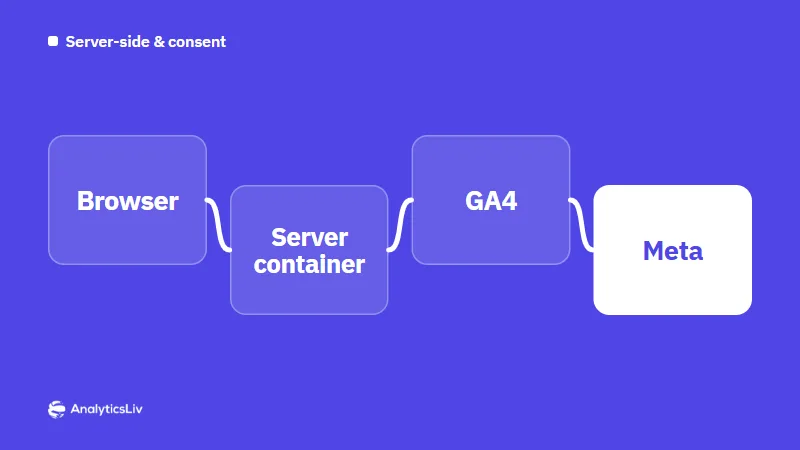
Server-Side Tagging for Ecommerce: How It Works and Why It Matters
Server-side tagging sends website data to a server you control before it reaches analytics and ad platforms such as GA4, Google Ads and Meta.
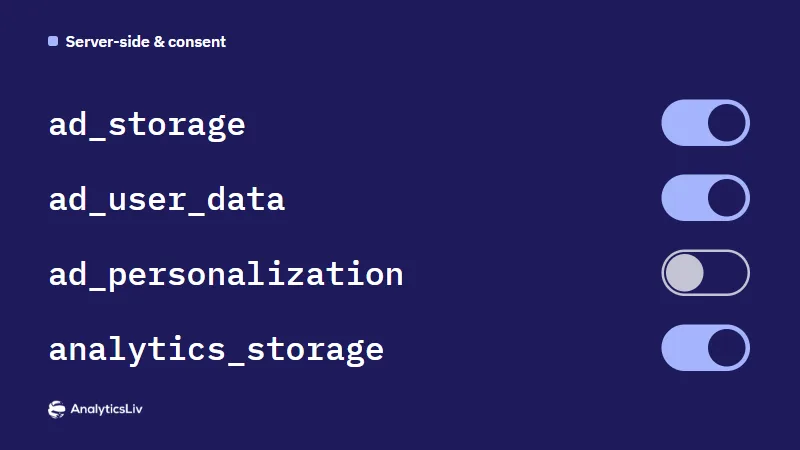
Consent Mode v2: What It Is and How It Affects Google Ads
Consent mode v2 passes users' consent choices from your banner to Google tags.
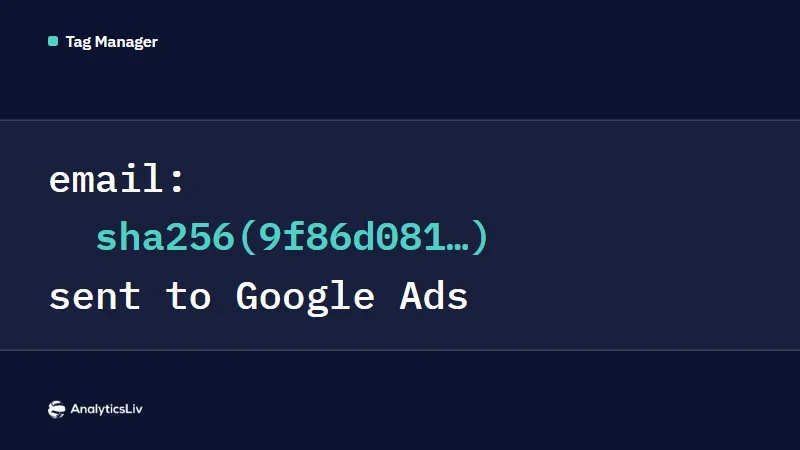
Enhanced Conversions for Google Ads with GTM: Setup Guide
Enhanced conversions are a Google Ads feature that sends hashed first-party data, such as a customer's email, with each conversion so Google can…
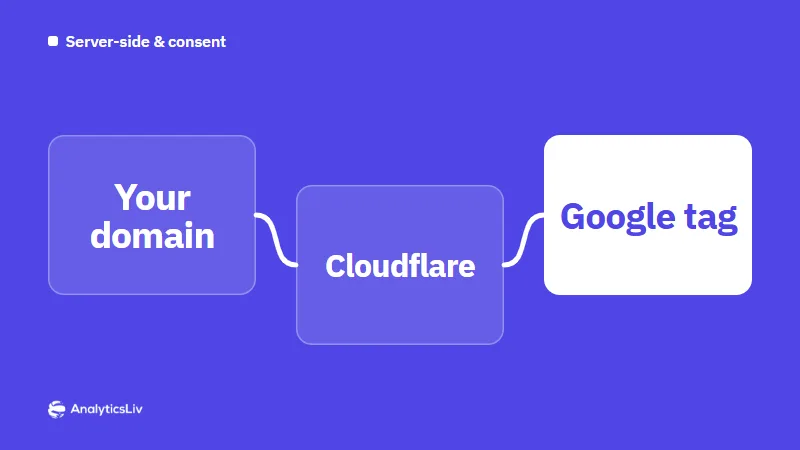
Google Tag Gateway with Cloudflare: Setup and Benefits
Google tag gateway for advertisers serves Google Analytics, Google Ads and Tag Manager tags from your own domain, so they load and send data as…