Anomaly detection with context
Not just “sessions dropped”, but where, for whom, since when, and where to look first.
Checkout completion · returning mobile users
Media & Performance
SEO & AI SEOGoogle Ads & Meta AdsYouTube & DV360Amazon DSPAnalytics & Measurement
Google Analytics 4 & GTMApp & Product AnalyticsWebsite Conversion & A/B Testing (CRO)Conversion Tracking & Server-SideCloud, Data & AI
Google Cloud Partner ServicesData Analytics, BigQuery & Looker StudioAgentic AI & AutomationGoogle Workspace & Business EmailOr call +91 83205 76622

AnalyticsLiv Intelligence is AI analytics software for GA4 and BigQuery. It reads your data all day and tells you what changed and why, in plain language. Two more modules measure what your media spend causes (MMM) and group your customers by how they behave (AudienceIQ).
Dashboards show numbers and wait for you to ask. Intelligence tells you what changed and why.
Three modules in one workspace and one demo.
Reads GA4 and BigQuery all day, flags anomalies, ranks findings by revenue impact and answers plain questions.
See the engine ↓Where should the money go?Estimates each channel’s contribution from your spend and revenue history, and where its returns diminish.
See the module ↓Who should we target?Groups your customers by how they behave and gets each group ready for your ad platforms.
See the module ↓The Insight Engine reads your data, spots what changed and sends you the finding. You stop hunting through reports.
GA4 and BigQuery, with Google Ads and DV360 for context.
It explains why it matters and ranks it by revenue impact.
In Slack and email, or in the in-product feed.
Ask your own questions and get answers.
Not just “sessions dropped”, but where, for whom, since when, and where to look first.
Findings arrive as sentences a marketing head can act on, ranked by what acting is worth.
“Why did conversions dip last Tuesday?” Ask in plain words and see the numbers and the reasoning.
Example screens with sample data.

What each channel really causes, not what last-click credits it with. It uses total spend and revenue over months, with no cookies or consent needed.
Example figures. Budgets should follow the model’s column.
What your history shows, with the evidence.
The same budget, split differently.
Base: what the brand earns without media. Example figures. Yours is modelled from your own history.
Add spend, your KPI and the ROI you expect. Defaults are there if you need them.
The Bayesian model runs in about ten minutes.
Both reports land in your inbox, configuration attached.
AudienceIQ groups your customers by how they behave and explains each group in a plain rule. Then it gets the groups ready for the ad platforms you already use.
through the BigQuery export
CSV or Excel
a purchase or a qualified lead
Separates people who convert from people who don’t
each with a plain rule, its size and its conversion rate
with a suggested action
GA4, Google Ads, DV360 or Meta
AI analytics software for GA4 and BigQuery. It reads your data all day, tells you what changed and why, and answers your questions in plain language. It also includes MMM and AudienceIQ customer segmentation.
Yes, through the AudienceIQ module. It groups customers by behaviour, explains each group in a plain rule, and prepares lists for GA4, Google Ads, DV360 or Meta. Input is GA4 data via the BigQuery export, or a CSV or Excel file.
It runs as a module inside Intelligence, on the same workspace and data, so you can demo and run them together. It is also sold on its own: see our marketing mix modeling page.
Read-only access to GA4, and optionally BigQuery, Google Ads and DV360. No new warehouse, live within a day, nothing written back. If GA4 needs fixing first, our GA4 and Tag Manager team can do it.
Dashboards wait for you to ask. Intelligence finds what changed and why, and sends it as a plain sentence ranked by revenue impact, in Slack, email or the in-product feed.
Spend and revenue history from Google Ads, DV360 and Meta, with GA4 as an optional control and CSV for offline media. Around eighteen months is enough to start.
It only uses totals of spend and revenue: no cookies, no user data, no consent needed. So it also measures channels tracking can’t see.
Insight Engine connections are live within a day. A full MMM run takes about ten minutes once your history is connected.
Book a 30-minute demo on your own data. The insight feed reads your GA4 live, and we walk through one MMM run end to end.
A specialist replies by email to set up the demo on your own GA4 data.
Prefer to talk? Call +91 83205 76622, message us on WhatsApp or email [email protected].
An AI copilot for data analytics lets anyone ask a question in plain language, such as why sales dropped, and get an explanation without SQL or…
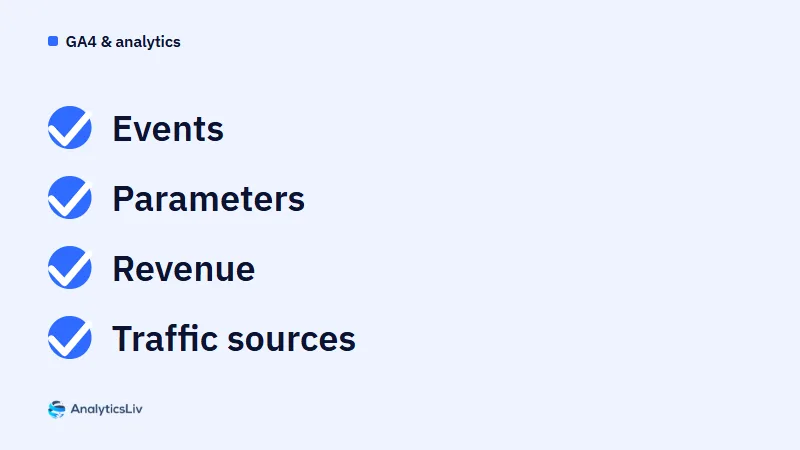
GA4 data drifts when a tag misfires or a parameter goes missing, and manual checks are slow, inconsistent and usually catch problems too late.
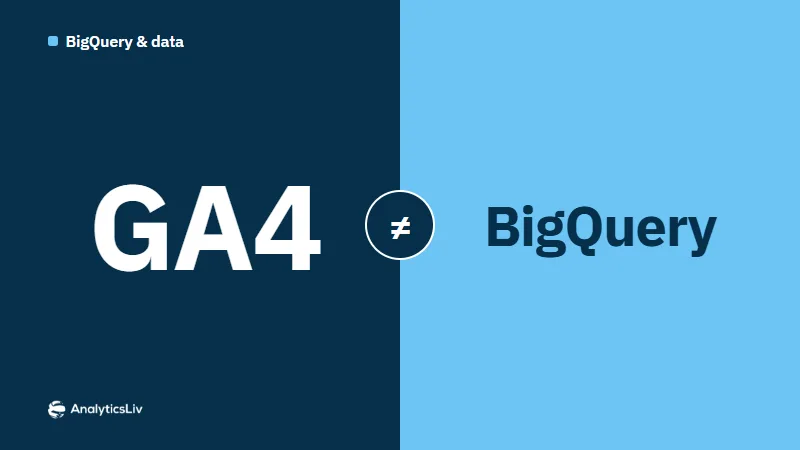
GA4 and BigQuery rarely match because they count users differently.