Real-time campaign alerts
Pacing past target, budgets near their cap, unusual delivery and overnight spend spikes, flagged in email or Slack for every advertiser, IO and line item.
Media & Performance
SEO & AI SEOGoogle Ads & Meta AdsYouTube & DV360Amazon DSPAnalytics & Measurement
Google Analytics 4 & GTMApp & Product AnalyticsWebsite Conversion & A/B Testing (CRO)Conversion Tracking & Server-SideCloud, Data & AI
Google Cloud Partner ServicesData Analytics, BigQuery & Looker StudioAgentic AI & AutomationGoogle Workspace & Business EmailOr call +91 83205 76622

MAdKPI is a DV360 monitoring tool built by AnalyticsLiv. It checks your campaigns, insertion orders and line items. When pacing, budget use or a KPI crosses a limit you set, it sends an email or Slack alert. It can also hold spend to a cap, so overspend stops before the money is gone.
Because DV360 reports show spend after it happens. An IO paces to 130% over a weekend. A line item spends its monthly budget in nine days. A CPM creeps past plan. By the time the report shows it, the money is spent.
MAdKPI watches the account in real time and alerts you first, so you fix it the same day.
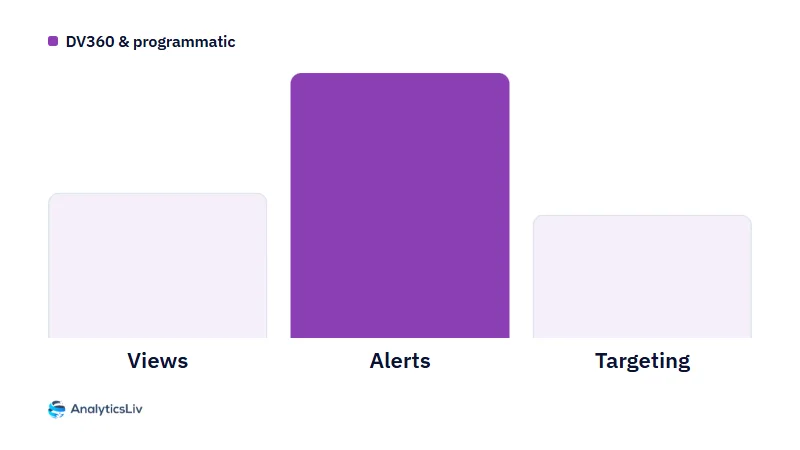
Three jobs: alerts, spend caps and KPI checks.
Pacing past target, budgets near their cap, unusual delivery and overnight spend spikes, flagged in email or Slack for every advertiser, IO and line item.
Caps and pacing targets on IOs and line items keep spend inside plan. You choose which controls are on.
Viewability, CPM, win rate and delivery, checked against your thresholds all day. Act on this morning's numbers, not last week's.
Example screens with sample data.
Four steps. You set the limits; MAdKPI does the watching.
Through the API, at advertiser or partner level, with the access you grant.
Pacing, budget and KPI thresholds where you want them.
Email or Slack, as soon as a limit is crossed.
Caps on IOs and line items, only where you switch them on.
Six numbers, checked in real time and marked plainly. Here is an example board.
Example board · sample figures
Shared through the DV360 API with the access you grant.
Compared against the limits you set, all day.
Alerts only read. Controls act only where you switch them on. Remove access at any time.
Made in-house by a Google Marketing Platform Certified Partner for DV360 whose team runs DV360 and programmatic campaigns for clients every week.
Alerts go to email or Slack. The KPI board stays in MAdKPI for the daily stand-up.
Example alerts
MAdKPI covers DV360 spend. Intelligence reads your GA4 and BigQuery data, flags unusual changes and answers questions in plain language.
See AI analytics for GA4 →Once spend is under control, MMM estimates what each channel adds to revenue and shows where to move budget for a better return.
See marketing mix modeling →Budget use, pacing, unusual delivery, overnight spend spikes and KPI drift in viewability, CPM and win rate. Alerts go to email or Slack as soon as a threshold is crossed.
Both. You can set caps and pacing targets on insertion orders and line items. You choose which controls are on; everything else stays read-only.
Through the DV360 API, with the access you grant at advertiser or partner level. Alerts need read access only, and you can remove access at any time.
In email or Slack, as soon as a limit is crossed. The KPI board stays inside MAdKPI.
Teams that buy media in DV360, in-house or at an agency, and need spend to stay on plan. It covers every advertiser, IO and line item you connect.
A specialist sets it up on your own DV360 account, so you see alerts on your real campaigns. Book it with the form below.
AnalyticsLiv builds it in-house. We are a Google Marketing Platform Certified Partner, and the team that runs DV360 for clients supports it.
Book a 30-minute demo on your DV360 account. The first alerts often fire during the call.
A specialist replies by email to set up the demo on your DV360 account.
Prefer to talk? Call +91 83205 76622, message us on WhatsApp or email [email protected].

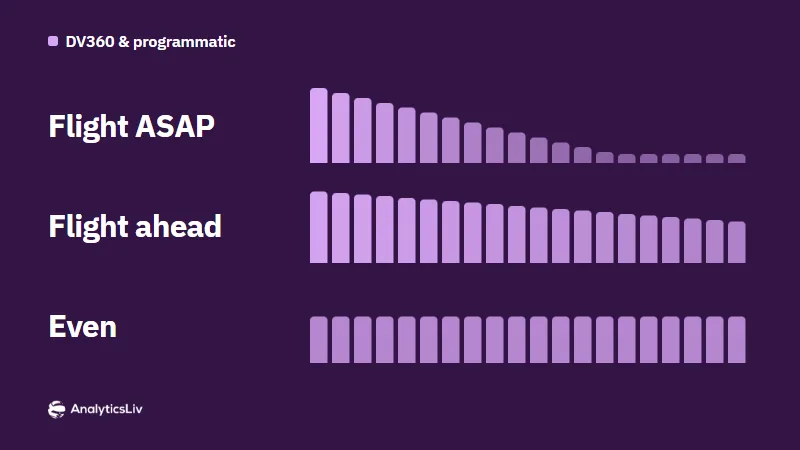
DV360 pacing sets how fast a budget is spent: over the whole flight or per day, at ASAP, Even or Ahead speed.

DV360 shows which insertion orders need work through the Optimization view, which groups them as underpacing, underperforming, on track, inactive or…

The DV360 Troubleshooter shows where a line item loses impressions, from available bid requests to impressions won.