
Data analytics services on BigQuery and Looker Studio
Our data analytics and data engineering services give your marketing team one BigQuery warehouse with Looker Studio dashboards on top. GA4, ad costs, CRM and revenue are cleaned, tested and kept in your own Google Cloud project. It is all documented, so your team can run it without us.
What are data engineering services?
When someone questions a number in a meeting, the answer should be a link to the definition.
For a marketing team, data engineering means building the pipelines and the BigQuery warehouse that hold all your marketing data in one place. It suits brands whose GA4, ad and CRM numbers never agree. You get tested tables, Looker Studio dashboards and documentation in your own Google Cloud project.
Each ad platform reports its own version of the same day, with its own attribution, time zone and idea of a conversion. The fix is one cleaned layer in BigQuery that every report reads.
Sources
- GA4 raw export
- Google Ads
- Meta Ads
- CRM
- Backend revenue
BigQuery, in your Google Cloud project
- Rawlands as-is, so it can be audited
- Stagingcleaned, de-duplicated, one time zone
- Martstested tables built for your questions
What reads from it
- Looker Studio dashboards
- Your BI tool
- Audience exports to ad platforms
- MMM and Intelligence
What do our data analytics services include?
Six parts of one build. All of it lives in your own Google Cloud project and code repository, documented so your team can run it without us.
BigQuery data warehouse
Raw data lands as-is so it can be audited. It is then cleaned, de-duplicated and moved to one time zone, and built into tables around your questions: orders, customers and campaigns.
You can check: the raw, staging and mart tables live in your own BigQuery project.
BigQuery · GA4 raw export
What has joined-up data changed for our clients?
Amul India's GA4 now matches its CRM, with 35% better data accuracy. FlaxitUp cut stockout risk by 35% across 10 Mumbai outlets with automated forecasts and alerts.

One set of numbers, from GA4 to the CRM
Events lined up with the CRM, missing and duplicate orders fixed, attribution modelled.
- +35%data accuracy
- +40%validated conversions
- 95%attribution accuracy
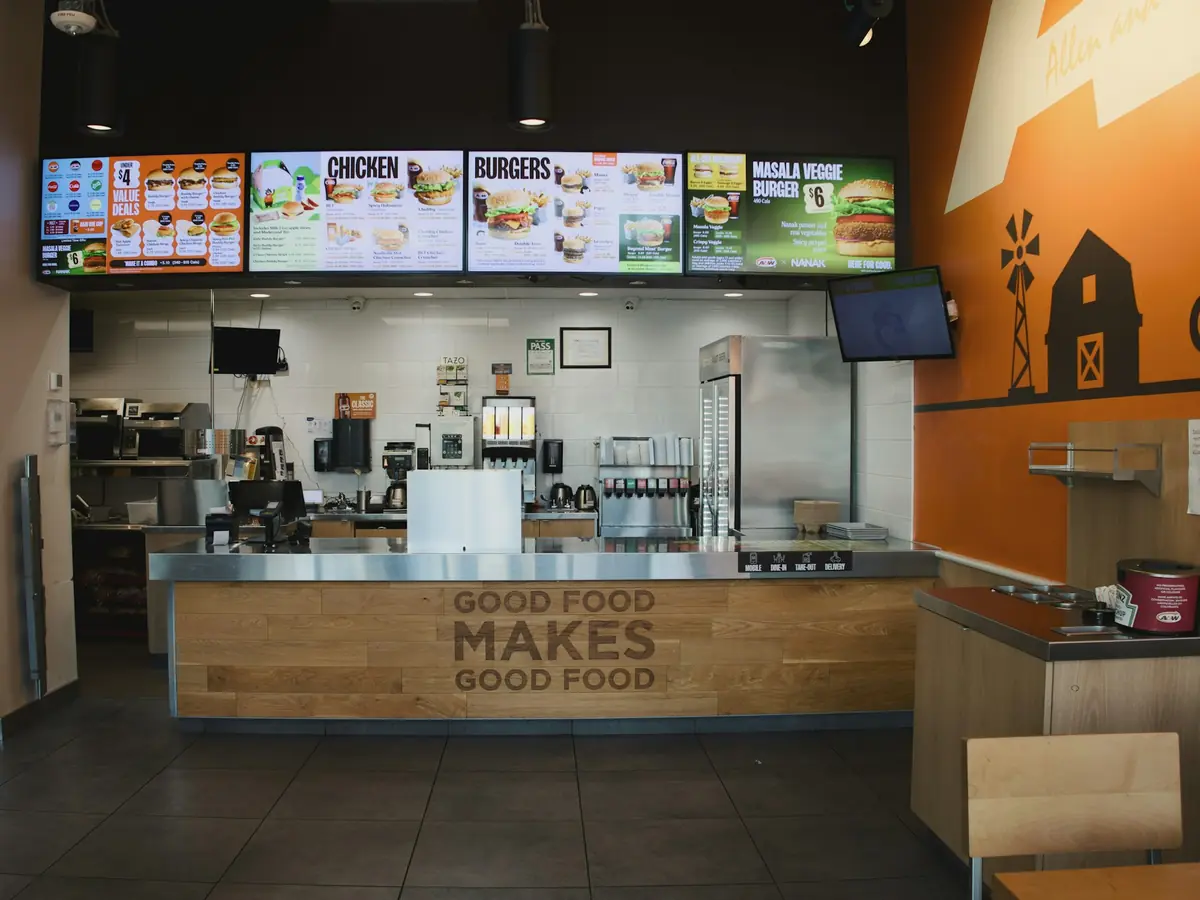
Forecasts and alerts for 10 outlets
Stock, order and feedback data joined, with one dashboard for every branch.
- −35%stockout risk
- −90%manual work
- +28%forecast accuracy
Figures as published in each case study; results vary by business and data.
How do we build your BigQuery warehouse?
Four stages: agree definitions, clean the data, build tested tables, connect the tools. The first three take about six weeks.
At handover you keep the warehouse, the code repository, the documentation site, the dashboards, and the runbook and cost report, all in your own project and repository.
We sit with your team first · Weeks 1–2
Before any code, a workshop with marketing, finance and anyone who argues about numbers. We agree what a conversion means and which sources come in.
You get: an agreed metric dictionary your finance head can sign off.
Cleaning the raw data · Weeks 2–4
We load raw data as-is for audit, then de-duplicate it, fix types, and use one naming style and one time zone. Most "why don't these match?" questions end here.
You get: staging models with an audit trail back to every source.
Tables built for your questions · Weeks 4–6
Orders, customers and campaigns become tables built around your questions, each tested for duplicates, freshness and broken links.
You get: tested tables, documented column by column.
Dashboards and tools read from it · Ongoing
Looker Studio, your BI tool, audience exports, MMM and AnalyticsLiv Intelligence all read the same tables, so the numbers match.
You get: dashboards, activations and models on one source of truth.
Where can AI agents help with BigQuery and data analytics?
Agents read the data we build for you and act on what they find. Every agent runs on your own accounts, and a person approves what it does.
- Anomaly alerts. An alert when sales, leads or spend move outside the normal range.
- Pipeline failure alerts. A message when a data load fails or arrives late.
- Insights and segments.
Which tools do we work with?
The stack this page describes: the GA4 export and ad platforms in, BigQuery with dbt or Dataform in the middle, Looker Studio out, all in your own Google Cloud project.
 BigQuery
 Looker Studio
 Google Cloud
 dbt
 Google Analytics 4
 Google Ads
 Meta
 Google Tag Manager
Trusted by leading brands
200+ brands and 250+ projects delivered, in India and worldwide.













Ask for a warehouse review
Fill in the form and we will set up a 30-minute call. Bring your GA4 property and ad accounts, and we will sketch the schema and the first month's build with you.
A data engineer replies by email or calls you back.
Prefer to talk? Call +91 83205 76622, message us on WhatsApp or email [email protected].
Questions about our data analytics services
Data engineering builds the pipelines and the warehouse that hold your data. Data analytics uses those tables to answer questions, in dashboards, reports and models. We do both on one BigQuery warehouse, so every dashboard and analysis reads the same tested tables.
We write the models in SQL with dbt or Dataform, and schedule them with Cloud Scheduler and Cloud Functions or Workflows. Results go to Looker Studio, your BI tool, and back to the ad platforms when audiences need to flow there. We choose plain, documented parts that are easy to replace.
No. Our head office is in Ahmedabad and the team works across India, for clients in India and abroad. The warehouse lives in your own Google Cloud project, so the work happens remotely.
BigQuery and Looker Studio guides from our team
All BigQuery and data articles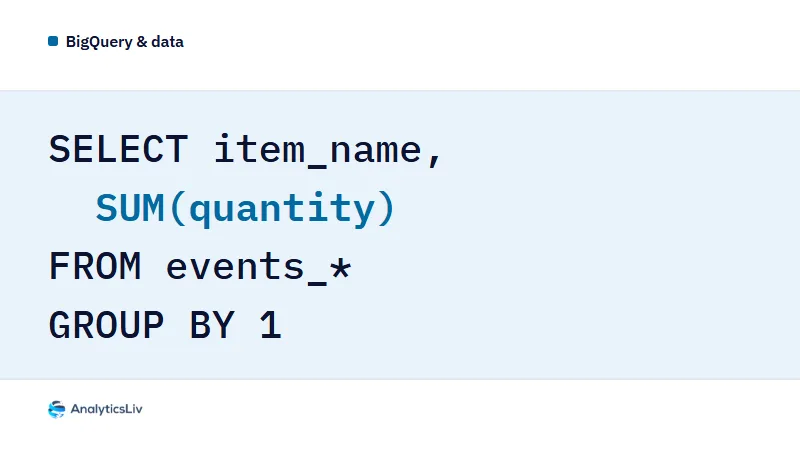
GA4 BigQuery Export: SQL Queries for Ecommerce Metrics
Ecommerce totals in the GA4 BigQuery export sit in the nested ecommerce record of each event.
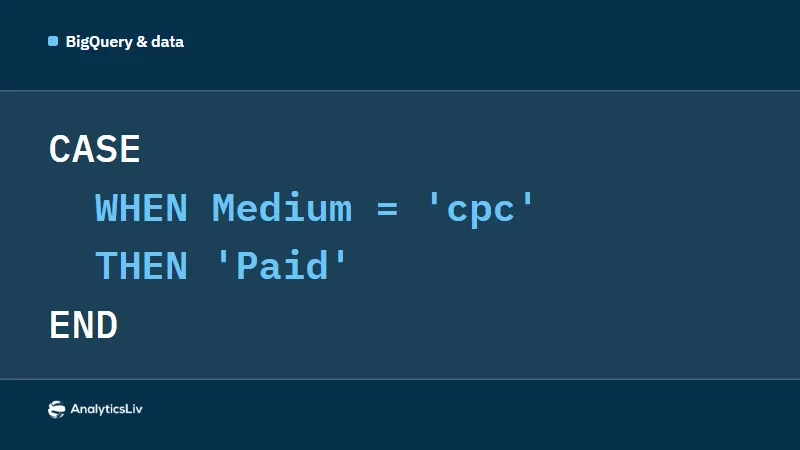
Looker Studio Formulas: 7 Calculated Fields with Examples
Seven Looker Studio calculated fields you can paste into a data source: ROUND for decimals, a percentage change formula, CASE WHEN for true/false…
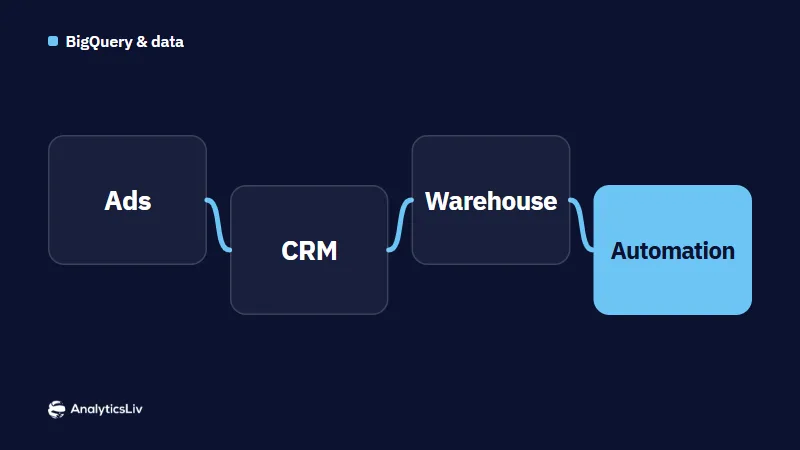
Marketing Data Pipelines: How to Build One for Automation
A marketing data pipeline collects data from ad platforms, CRM, analytics, ecommerce and email tools, cleans and standardises it, and loads it into a…
How to Create a Looker Studio Report from Google Sheets
You can build a Looker Studio report without leaving Google Sheets: open the sheet, go to Extensions, then Looker Studio, then Create a new report,…