In short
Consent mode v2 passes users' consent choices from your banner to Google tags. It adds ad_user_data and ad_personalization to ad_storage and analytics_storage. From March 2024 Google required consent signals for EEA traffic to keep measurement, personalisation and remarketing working. Without consent, remarketing lists shrink and Google models the conversions it cannot observe.
Contents6 sections
User privacy is at the centre of how digital advertising now works. From March 2024, Google began requiring advertisers to pass consent signals for users in the European Economic Area (EEA) to keep using measurement, ad personalisation and remarketing features. Consent mode v2 is how most sites send those signals. This post explains what consent mode v2 is, how it changes Google Ads, and how to keep campaigns effective.
What is consent mode v2?
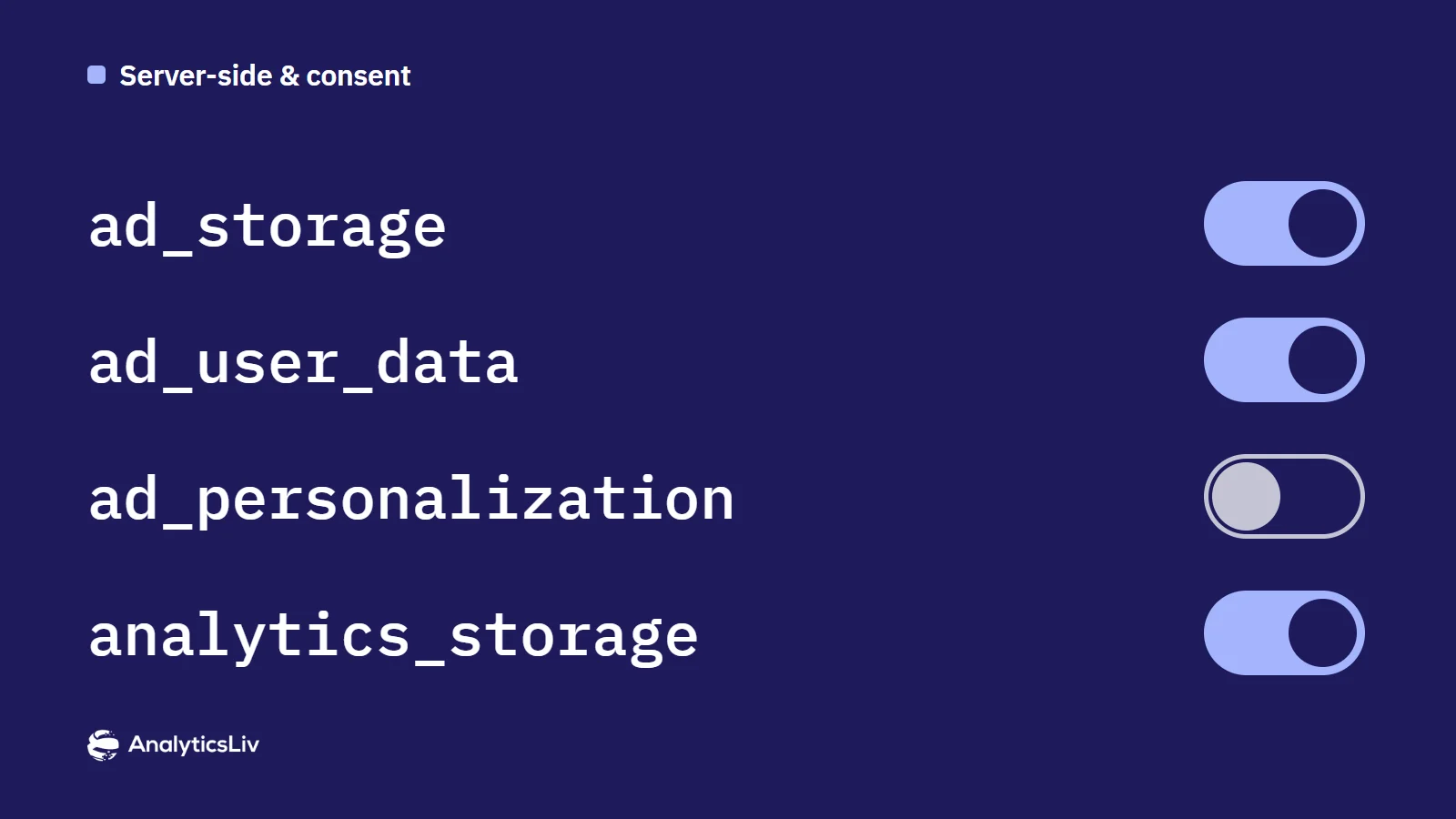
Consent mode v2 is the current version of Google’s consent mode: it passes each user’s consent choices from your consent banner to Google tags, which then adjust how they collect and use data. Version 2 adds two consent parameters for advertising, ad_user_data and ad_personalization, to the existing ad_storage and analytics_storage.
Consent mode does not collect consent itself. You still need a consent banner or consent management platform (CMP) to ask users; consent mode carries their answer to Google’s tags.
How is consent mode v2 different from the earlier version?
| Parameter | What it controls | In version |
|---|---|---|
ad_storage | Whether advertising cookies (or app identifiers) can be stored and read | v1 and v2 |
analytics_storage | Whether analytics cookies (or app identifiers) can be stored and read | v1 and v2 |
ad_user_data | Whether user data can be sent to Google for advertising, such as hashed data for enhanced conversions | v2 |
ad_personalization | Whether data can be used for personalised advertising, such as remarketing | v2 |
In simple terms, the earlier version only told Google tags whether they could use cookies. Version 2 also tells Google whether it may use a user’s data for advertising and for personalised ads, so Google can respect those choices across its advertising services.
Why do websites need consent mode v2?
- Google requires it for EEA traffic: without consent signals for EEA users, Google Ads features such as remarketing audiences and personalised advertising lose the data from those users. For Customer Match lists used in the EEA, both
ad_user_dataandad_personalizationmust be granted. - It supports compliance: regulations such as the GDPR require consent for advertising and analytics cookies. Consent mode makes sure Google tags act on the consent your CMP collects.
- It builds user trust: respecting users’ choices consistently across your tags shows a real commitment to privacy.
How does consent mode v2 affect Google Ads?
1. Ad personalisation
- Scenario: a user visits an online clothing store but does not consent to personalised ads.
- Impact: Google Ads does not use that user’s data for personalised advertising. The user can still see ads, but they are based on context and broader signals rather than their own behaviour.
2. Conversion tracking
- Scenario: a user sees an ad for a new smartphone but declines tracking cookies.
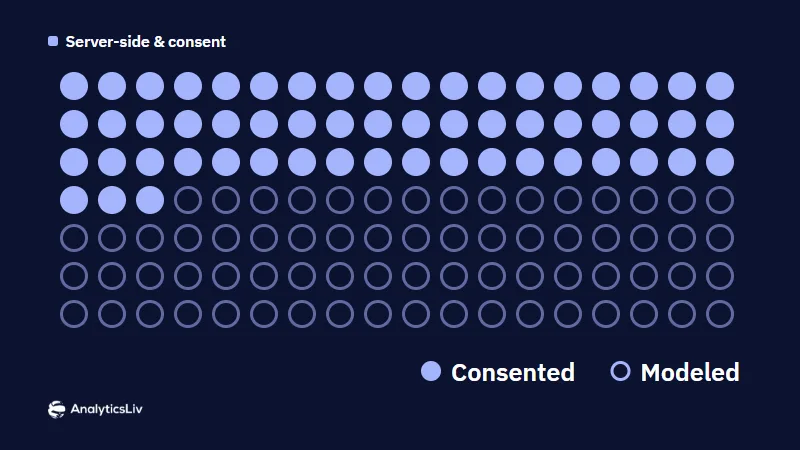
- Impact: Google Ads cannot use cookies to tie that user’s purchase to the ad. With consent mode in place, Google models the missing conversions; advanced consent mode sends cookieless pings that allow more detailed, advertiser-specific modelling than basic mode.
3. Remarketing
- Scenario: an online retailer wants to retarget users who abandoned their carts, but many have declined consent.
- Impact: users who deny
ad_personalizationare not added to remarketing audiences, so remarketing lists shrink. Advertisers can still learn from aggregated, modelled data about overall shopping patterns.
4. Partial consent
- Scenario: a user accepts some data collection but not personalised ads.
- Impact: Google Ads can measure within the consent given but serves that user non-personalised ads based on general interests or context.
5. Balancing compliance and performance
- Scenario: advertisers in the EU must follow GDPR rules on consent for data use.
- Impact: consent mode v2 adjusts personalisation and measurement to each user’s consent status, so advertisers stay within legal limits while modelling fills some of the measurement gap.
How can you keep Google Ads effective with consent mode v2?
- Make consent clear: explain your data practices plainly in the consent banner and ask for consent for ad personalisation and remarketing.
- Use contextual targeting: match ads to relevant content rather than individual behaviour.
- Use Google’s modelling: implement consent mode correctly so Google can model conversions and audience insights for users who decline.
- Invest in first-party data: collect information directly through website forms or app interactions, with consent, and use it for better-targeted campaigns.
- Try other targeting options: use Customer Match for existing customer segments (with both v2 consents granted in the EEA), or contextual targeting on other platforms.
Conclusion
Consent mode v2 can look like an obstacle, but it is also a reason to build trust with users and create more relevant ad experiences. Implement it with a good CMP, use the steps above, and your Google Ads campaigns can keep reaching the right audience while respecting privacy.